
FREE ZANDA CHECKLIST FOR THERAPISTS
Setting Up Zanda? Here’s a Good Place to Start.
A practical checklist to help you get your therapy practice set up in Zanda, one step at a time.
Setting up a new practice management system can feel like a lot. There are business details to enter, users and practitioners to add, availability to configure, services to create, client information to organize, and plenty of other little things to think about.
It’s easy to lose track of what you’ve already done and what still needs attention.
I created this checklist to bring everything together in one place, so you have a clear overview of the setup process and can work through it at your own pace.
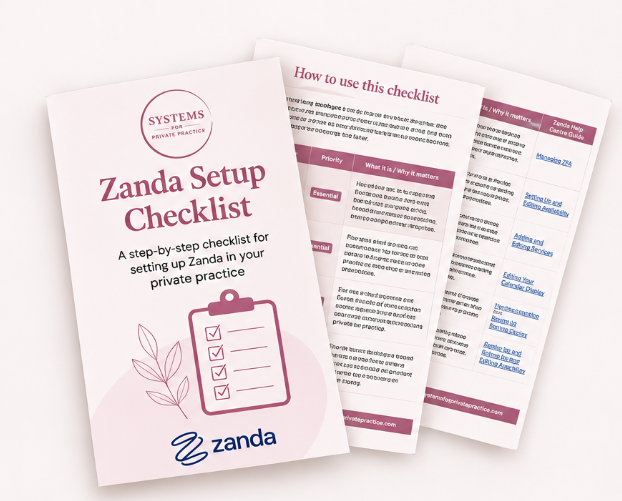
Get Your Free Zanda Setup Checklist
Enter your details below and I'll send the checklist straight to your inbox.
What’s Included?
The checklist is organized into two priority levels, so you can focus on what matters most without feeling like you have to set up everything straight away.
Essential Setup
The key things to have in place before you start using Zanda, including your business details, users, practitioners, availability, services, client information and upcoming appointments.
Recommended Setup
Useful features that can make your day-to-day work easier, such as email templates, appointment reminders, online forms, the Client Portal, invoicing and automations.
Who Is This Checklist For?
Whether you’re setting up Zanda for the first time, moving over from another practice management system, or reviewing an existing setup, this checklist can help you see what needs attention.
It works for both solo therapists and group practices.

Get Your Free Zanda Setup Checklist
Enter your details below and I'll send the checklist straight to your inbox.
Need a Hand with Your Zanda Setup?
If you’d rather have someone take care of the setup for you, or you need help with just a few parts, I also offer hands-on Zanda setup and ongoing admin support for therapists in private practice.
Explore Services